

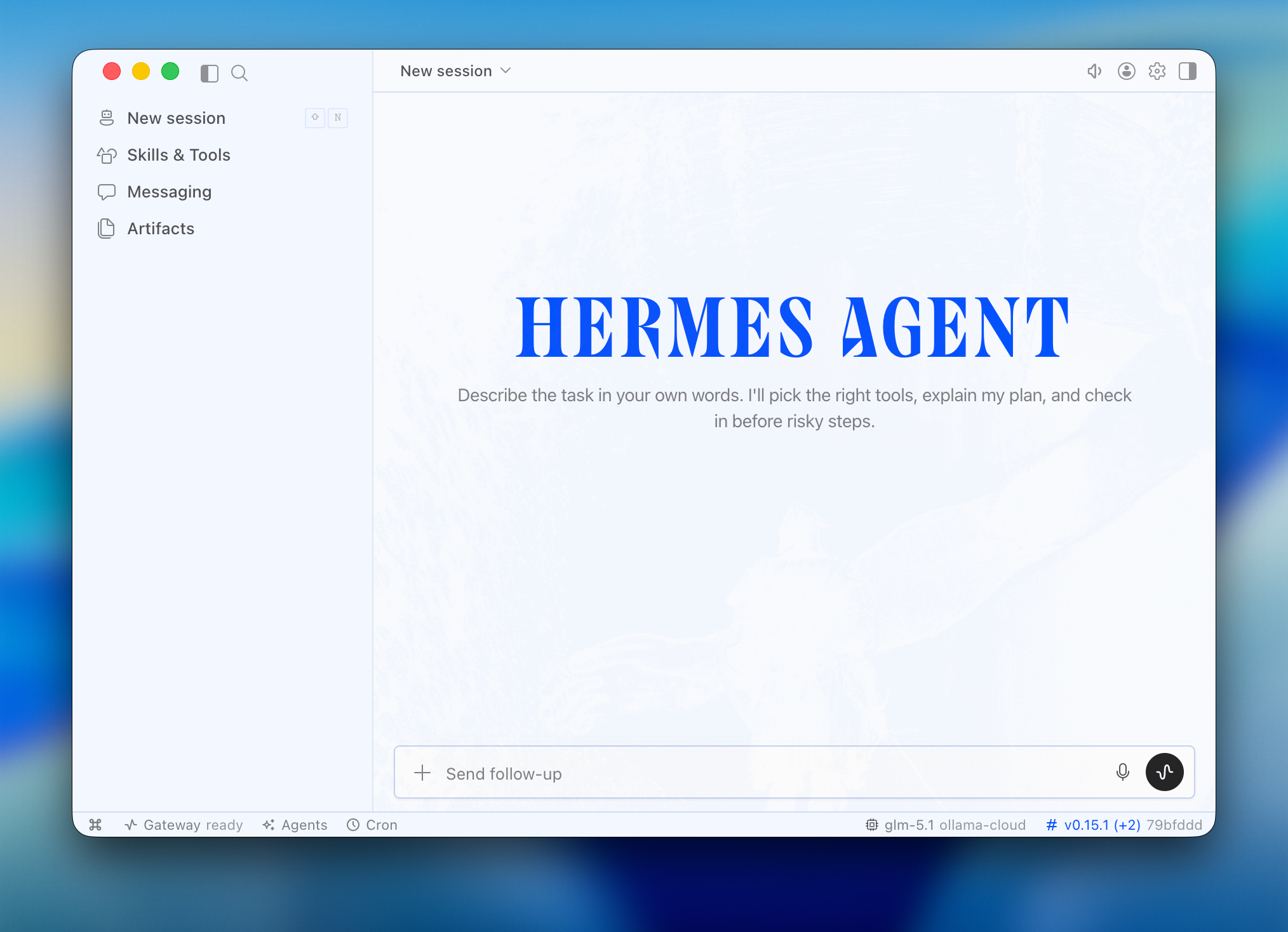
Quick start
- Install - If Hermes isn’t installed, Ollama prompts to install the Hermes command-line agent. On first desktop launch, Hermes builds its packaged desktop app.
- Model - Pick a model from the selector
- Configure - Ollama configures Hermes Desktop to use your selected Ollama model
- Launch - Ollama opens Hermes Desktop
Run directly with a model
ollama launch hermes-desktop again to switch models later.
Install Hermes Desktop directly
On macOS and Windows, the Hermes Desktop installer is the recommended upstream installation path. It installs the desktop app and Hermes Agent together. If you prefer the command line,ollama launch hermes-desktop remains the explicit Ollama-managed path and uses the same Hermes configuration, sessions, skills, and memory as the CLI.
To force Hermes to rebuild its packaged desktop app: