

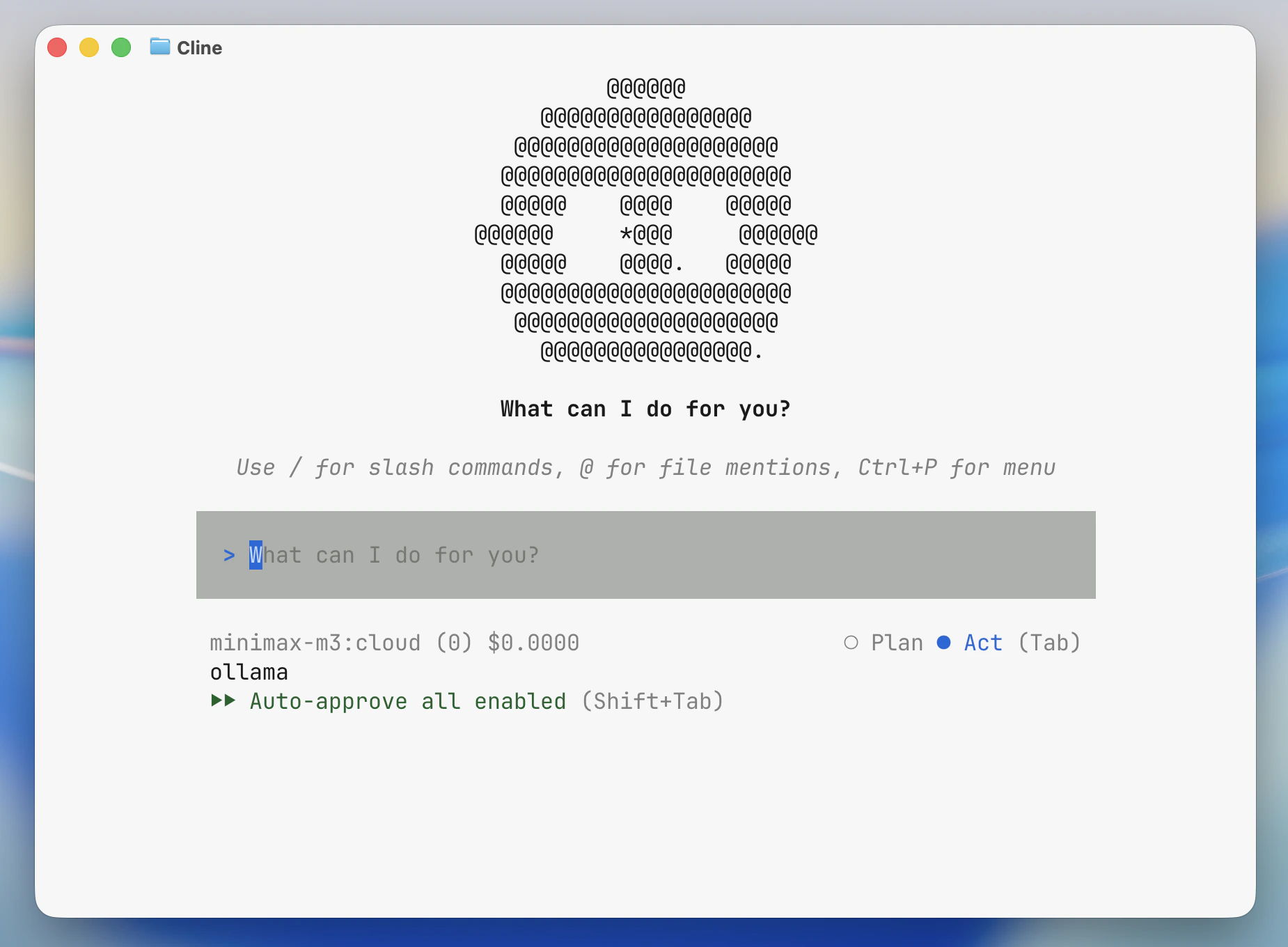
Install
Install the Cline CLI. For the IDE extension, see Cline.If Cline CLI is not installed and
npm is available, ollama launch cline will prompt to install cline@latest.Usage with Ollama
Quick setup
ollama launch cline, Ollama sets Cline’s provider to Ollama, points it at the local Ollama endpoint, and selects the model you choose.
To configure without launching:
Run directly with a model
Pass a prompt to Cline
Arguments after-- are passed directly to Cline:
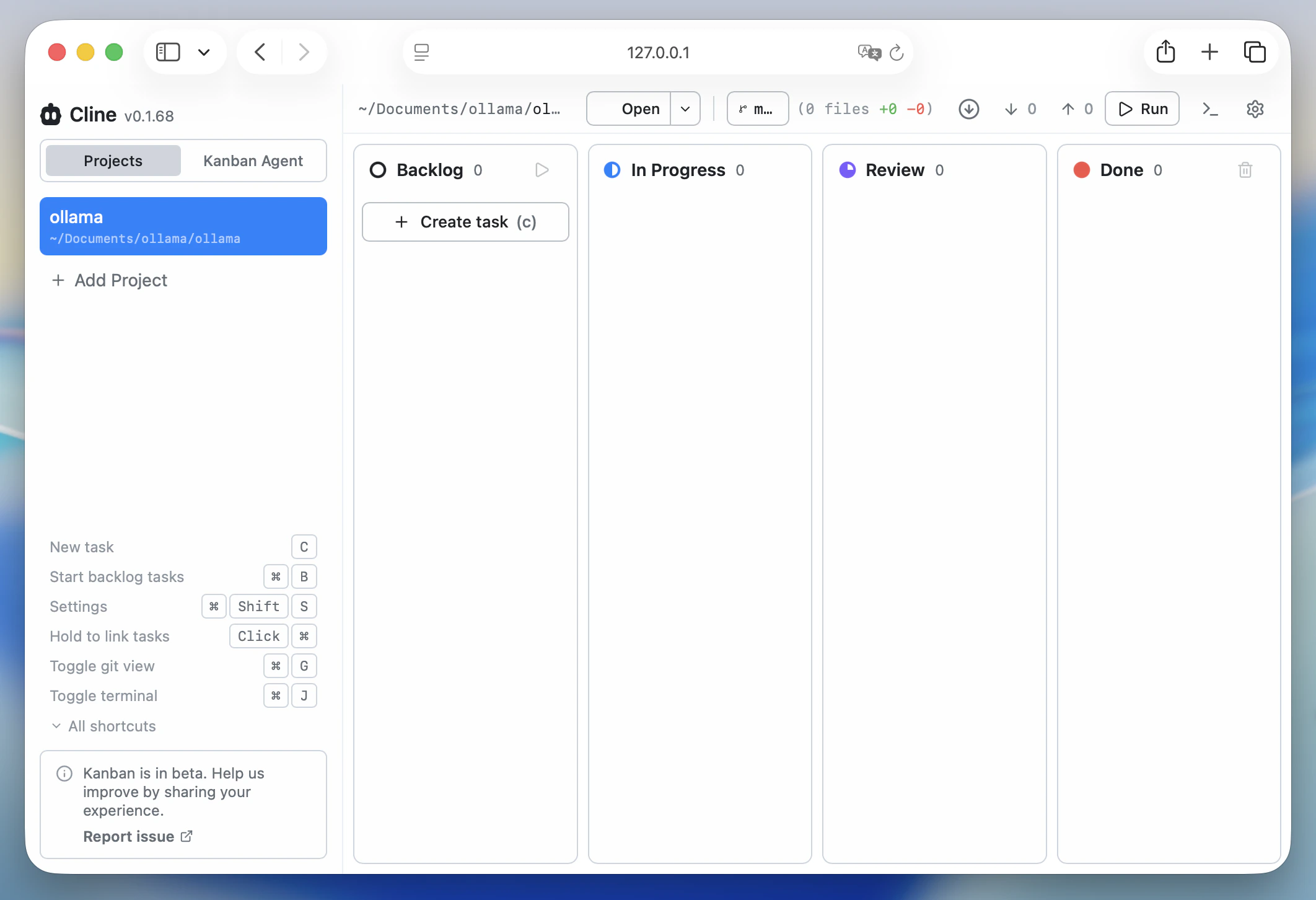
Manual setup
To configure Cline CLI manually, first make sure Ollama is running and the model you want to use is available:http://localhost:11434 as the base URL if prompted, and choose a model such as qwen3.5 or kimi-k2.6:cloud.
To check the current Cline configuration: