Overview
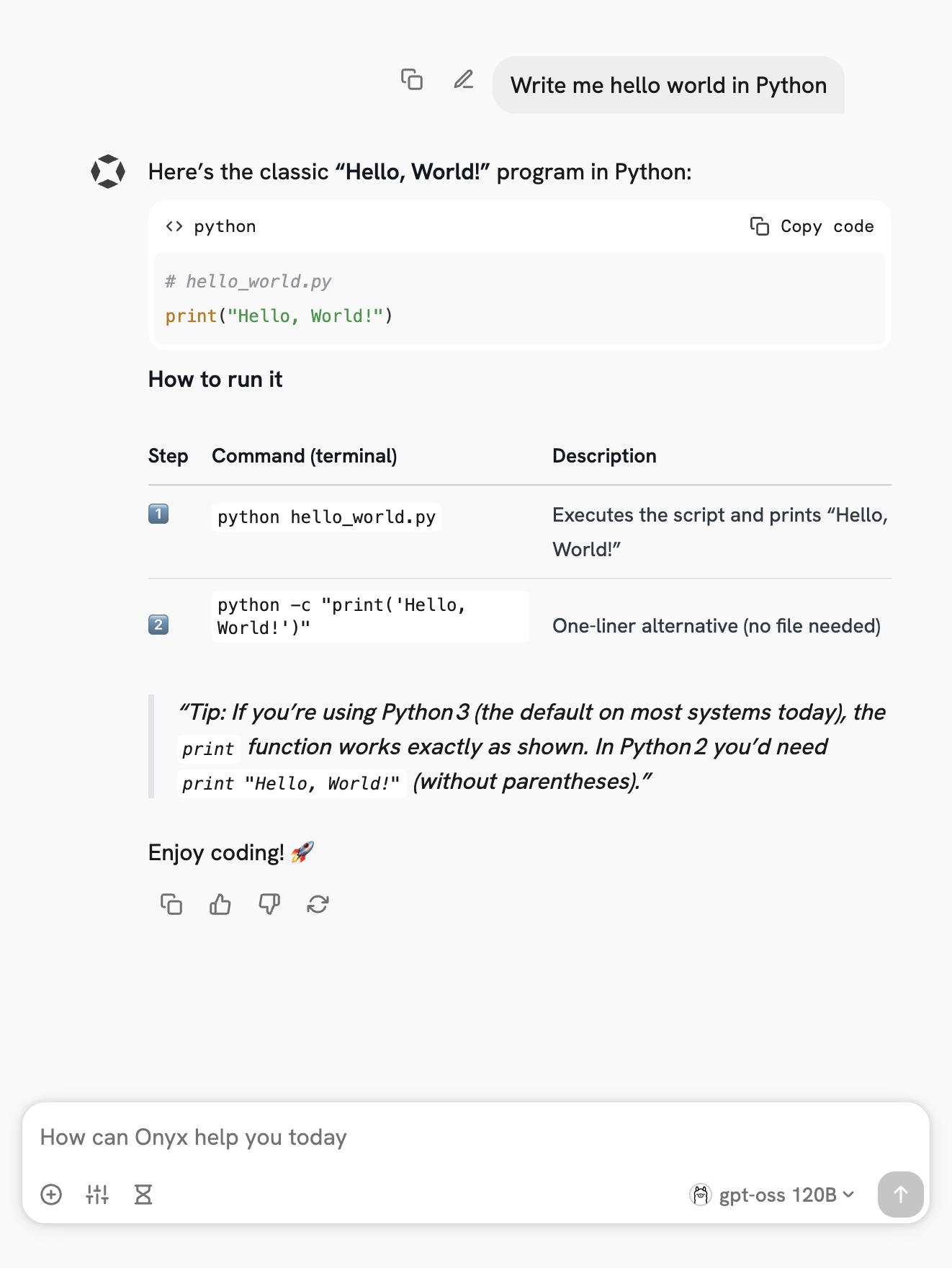
Onyx is a self-hostable Chat UI that integrates with all Ollama models. Features include:- Creating custom Agents
- Web search
- Deep Research
- RAG over uploaded documents and connected apps
- Connectors to applications like Google Drive, Email, Slack, etc.
- MCP and OpenAPI Actions support
- Image generation
- User/Groups management, RBAC, SSO, etc.
Install Onyx
Deploy Onyx with the quickstart guide.Resourcing/scaling docs here.
Usage with Ollama
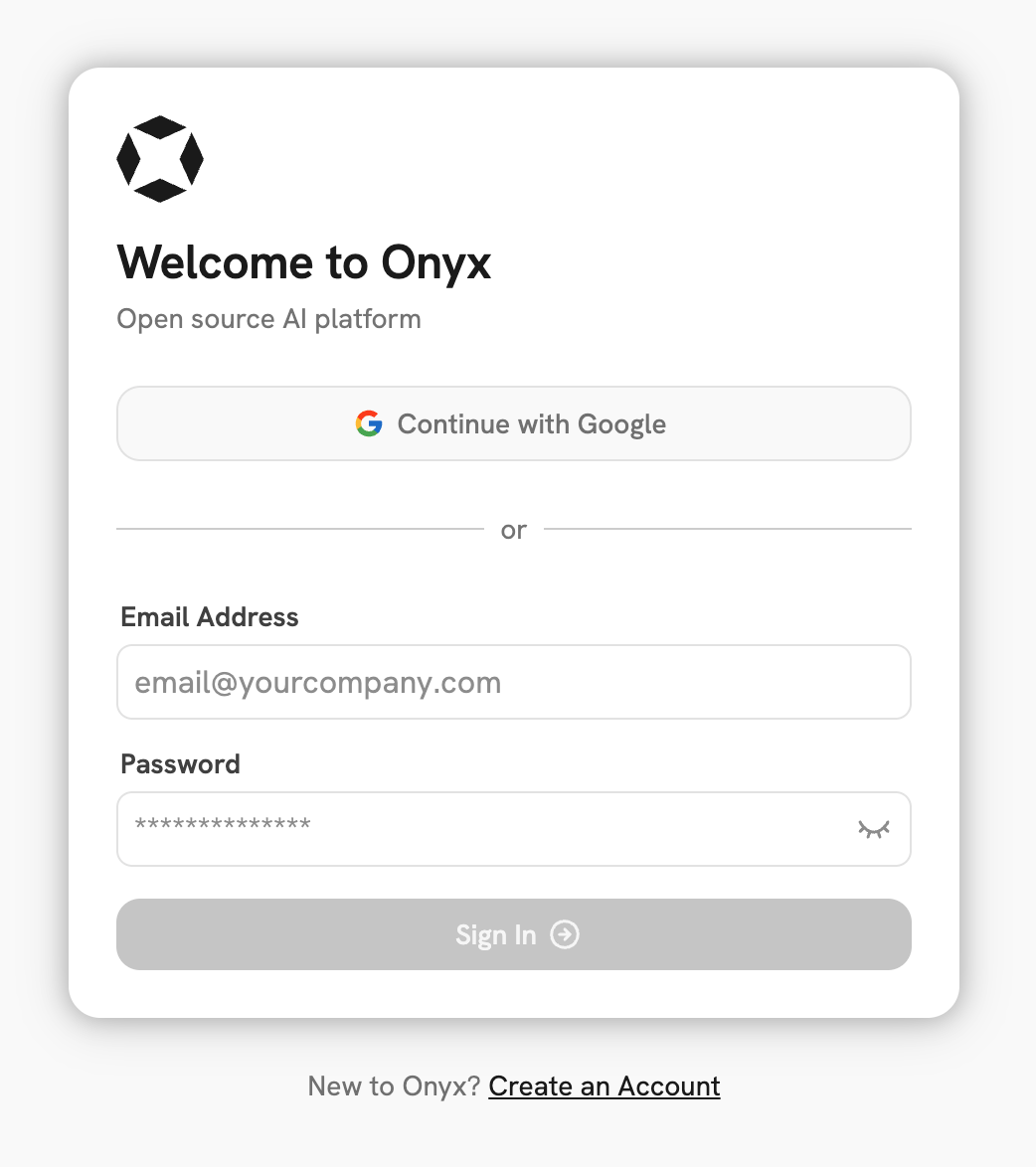
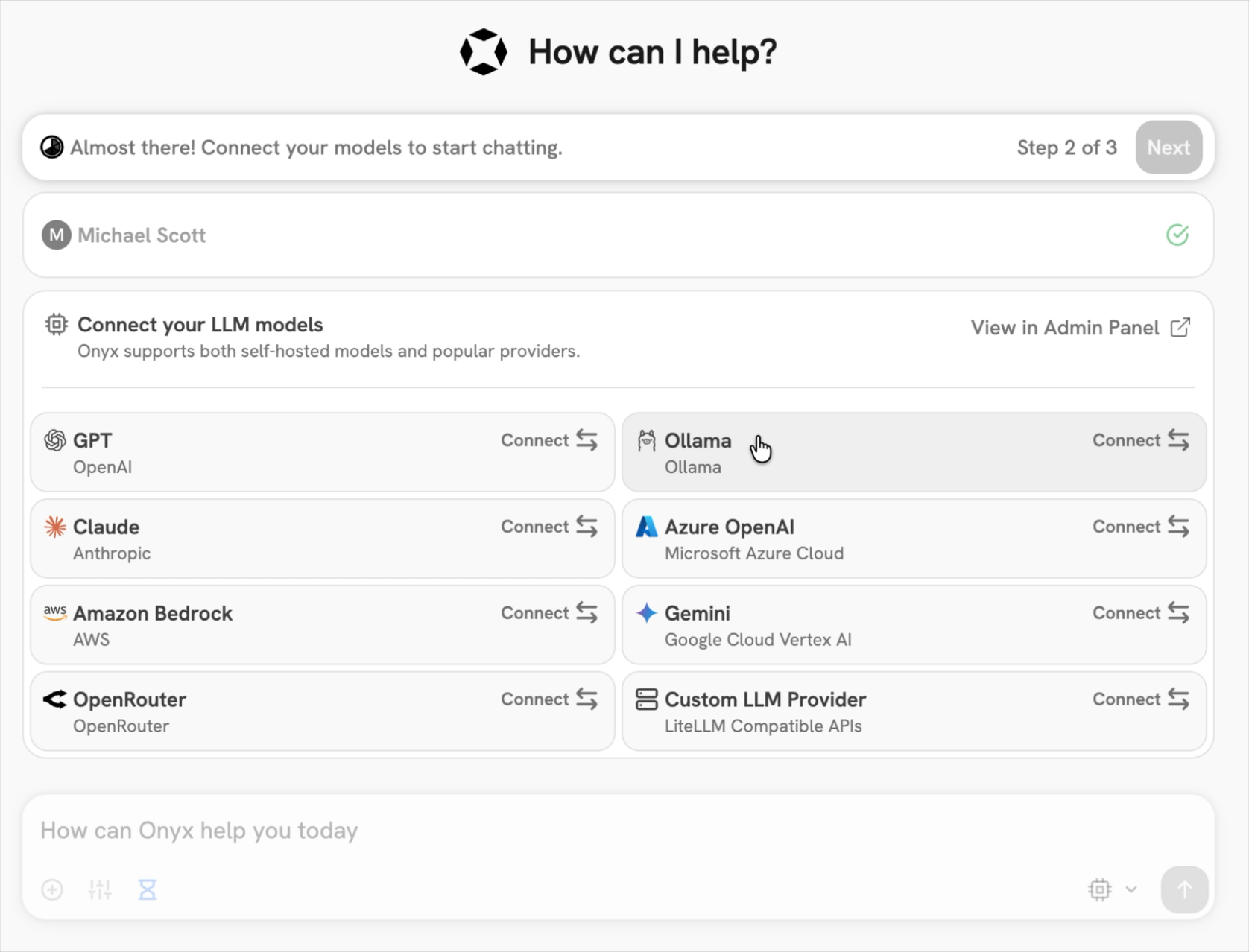
- Login to your Onyx deployment (create an account first).
- In the set-up process select
Ollamaas the LLM provider.
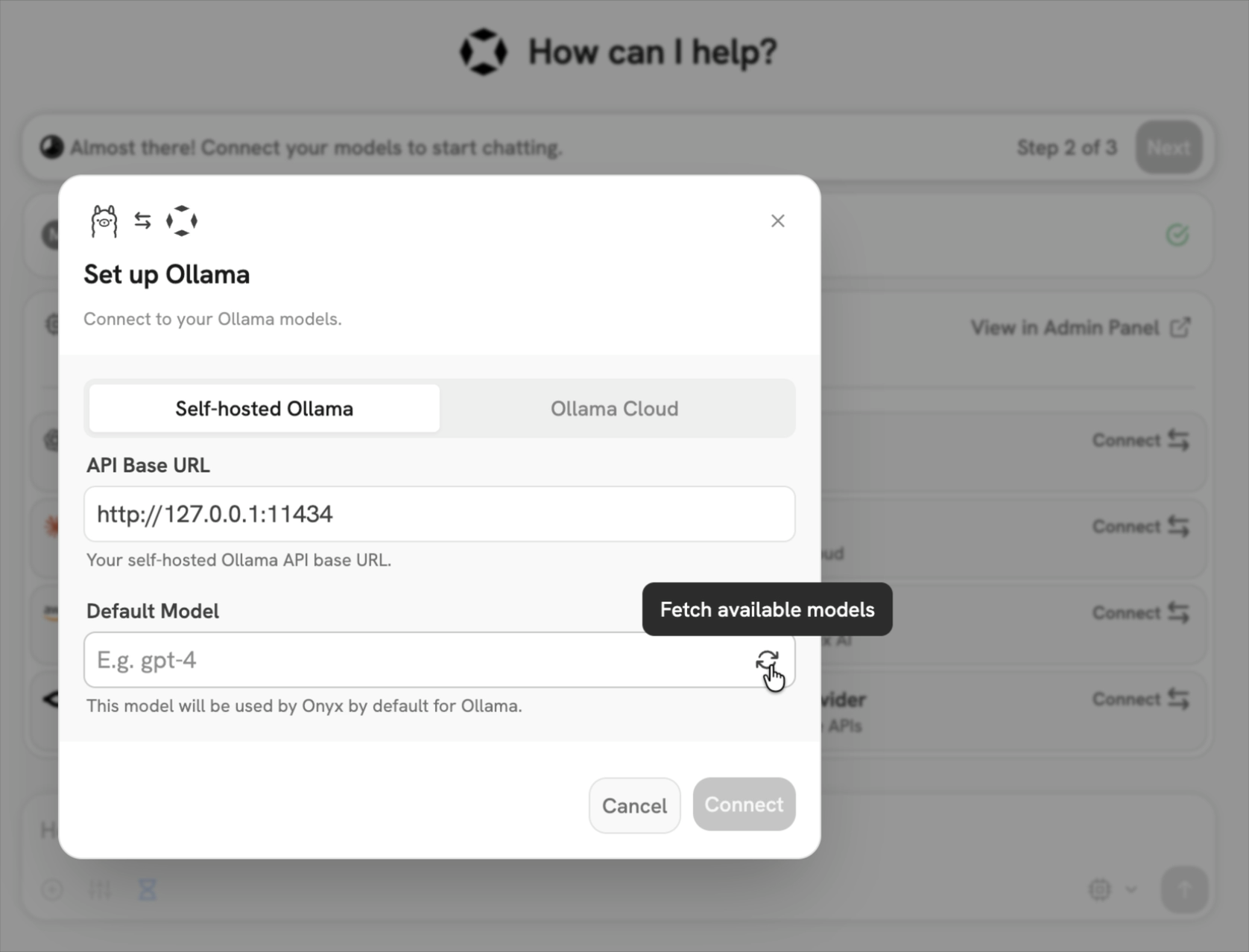
- Provide your Ollama API URL and select your models.
If you’re running Onyx in Docker, to access your computer’s local network use
http://host.docker.internalinstead ofhttp://127.0.0.1.
Send your first query