
Authentication
For access to Ollama’s web search API, create an API key. A free Ollama account is required.Web search API
Performs a web search for a single query and returns relevant results.Request
POST https://ollama.com/api/web_search
query(string, required): the search query stringmax_results(integer, optional): maximum results to return (default 5, max 10)
Response
Returns an object containing:results(array): array of search result objects, each containing:title(string): the title of the web pageurl(string): the URL of the web pagecontent(string): relevant content snippet from the web page
Examples
Ensure OLLAMA_API_KEY is set or it must be passed in the Authorization header.
cURL Request
Python library
JavaScript Library
Web fetch API
Fetches a single web page by URL and returns its content.Request
POST https://ollama.com/api/web_fetch
url(string, required): the URL to fetch
Response
Returns an object containing:title(string): the title of the web pagecontent(string): the main content of the web pagelinks(array): array of links found on the page
Examples
cURL Request
Python SDK
JavaScript SDK
Building a search agent
Use Ollama’s web search API as a tool to build a mini search agent. This example uses Alibaba’s Qwen 3 model with 4B parameters.Context length and agents
Web search results can return thousands of tokens. It is recommended to increase the context length of the model to at least ~32000 tokens. Search agents work best with full context length. Ollama’s cloud models run at the full context length.MCP Server
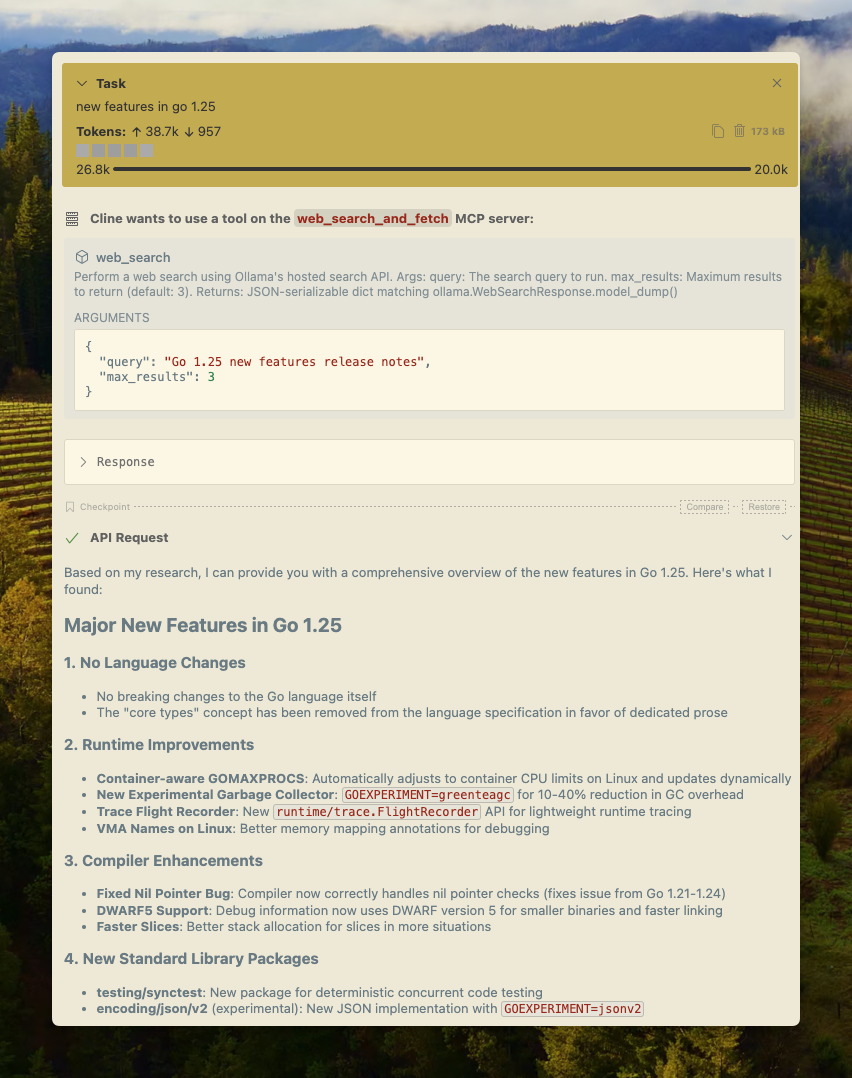
You can enable web search in any MCP client through the Python MCP server.Cline
Ollama’s web search can be integrated with Cline easily using the MCP server configuration.Manage MCP Servers > Configure MCP Servers > Add the following configuration:
Codex
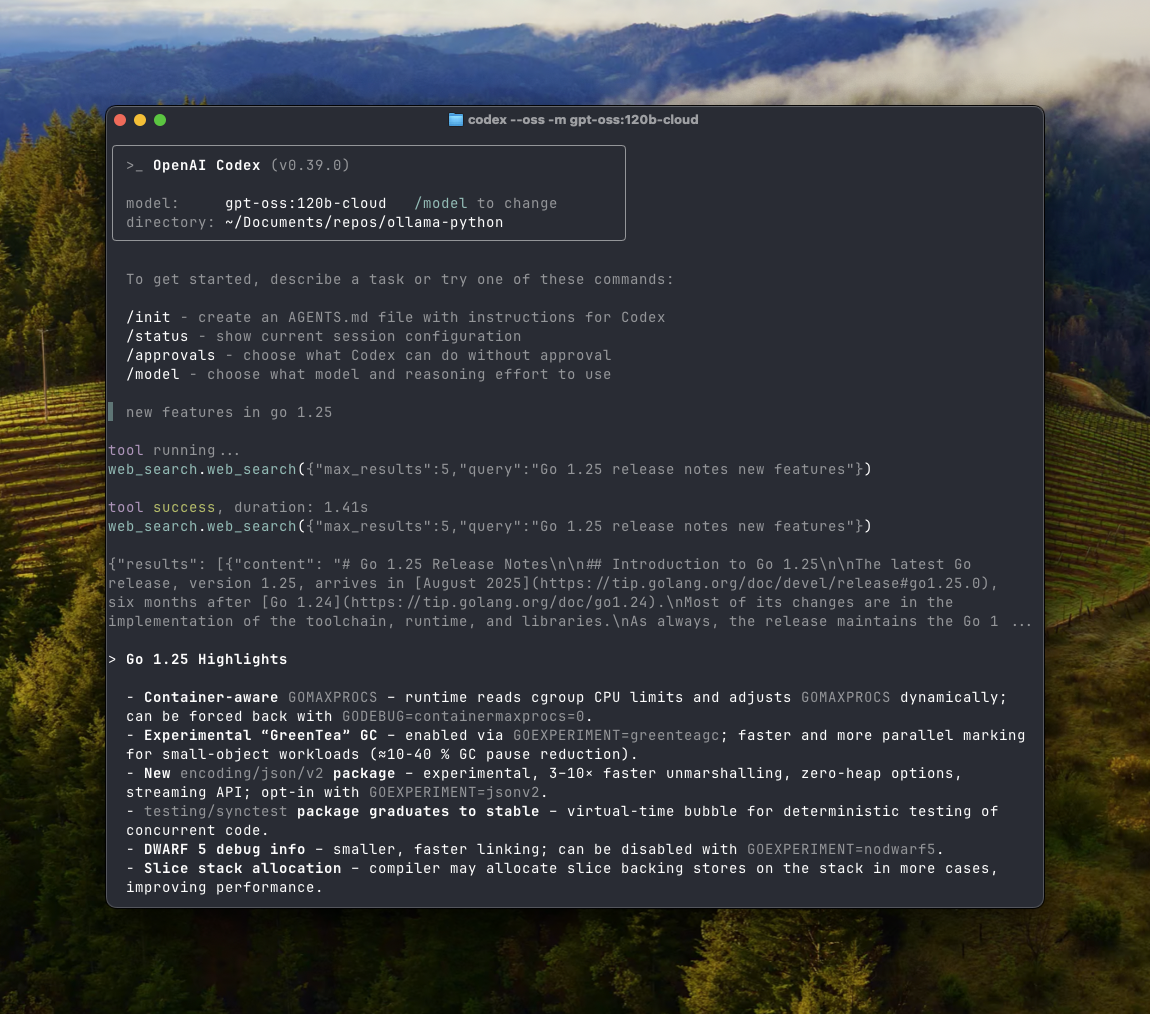
Ollama works well with OpenAI’s Codex tool. Add the following configuration to~/.codex/config.toml
Goose
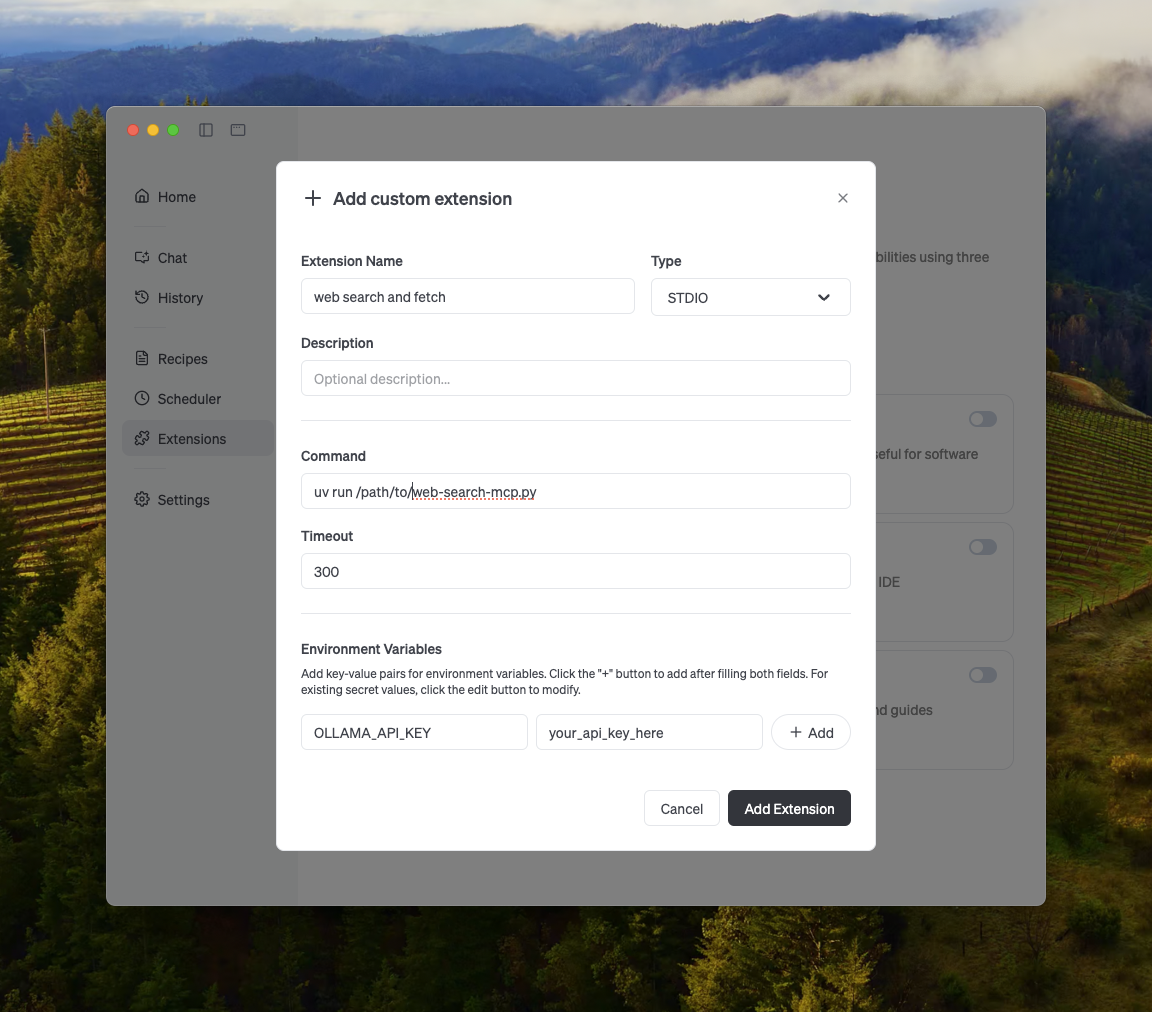
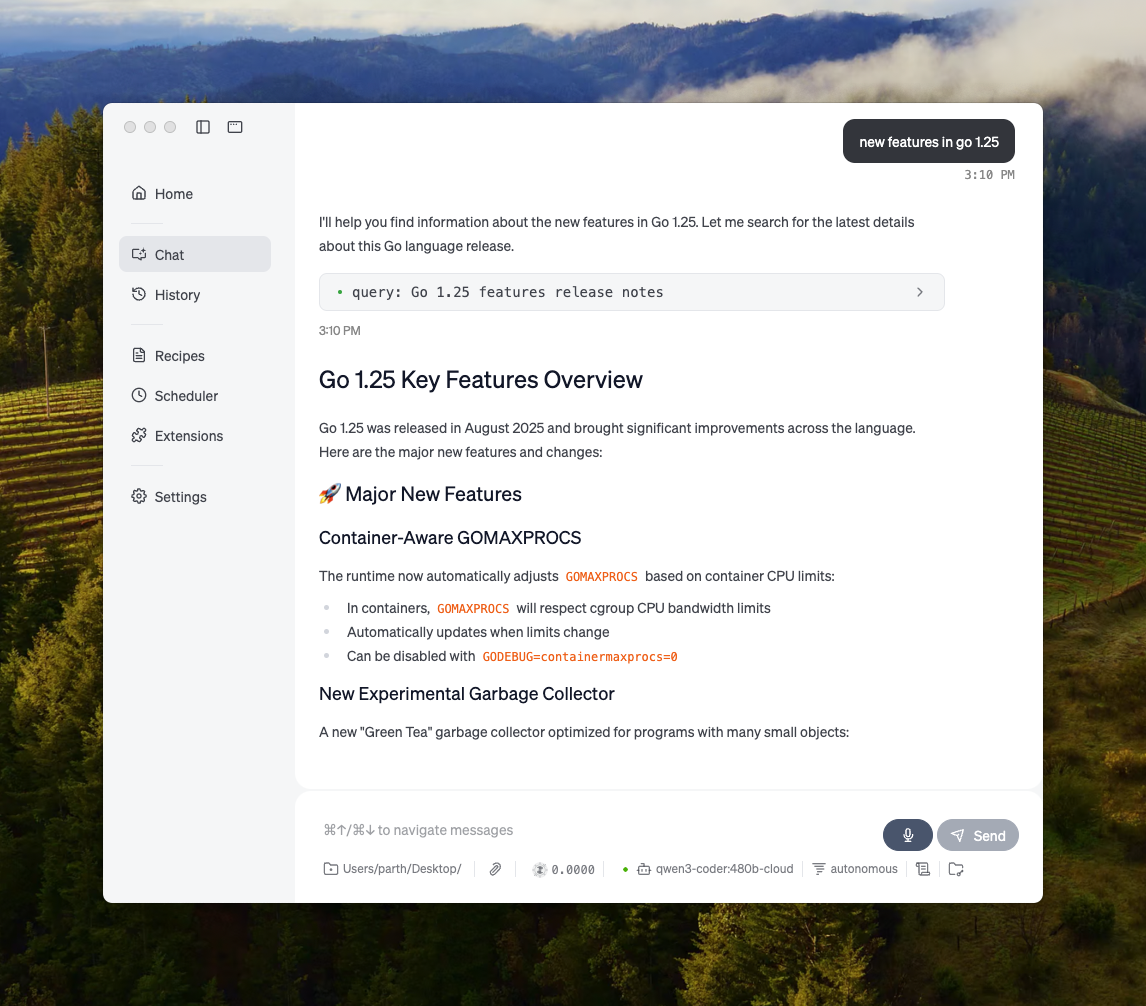
Ollama can integrate with Goose via its MCP feature.