

Goose Desktop
Install Goose Desktop.Usage with Ollama
- In Goose, open Settings → Configure Provider.
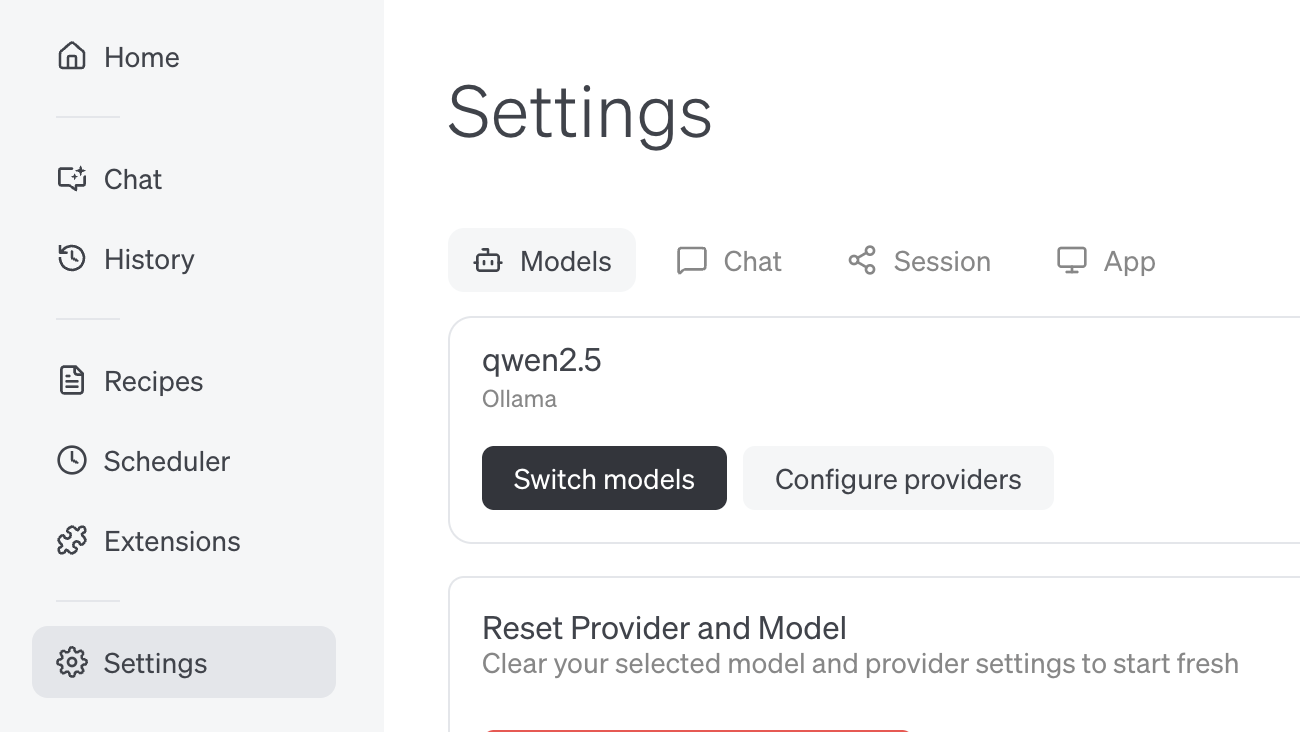
- Find Ollama, click Configure
- Confirm API Host is
http://localhost:11434and click Submit
Connecting to ollama.com
- Create an API key on ollama.com and save it in your
.env - In Goose, set API Host to
https://ollama.com
Goose CLI
Install Goose CLIUsage with Ollama
- Run
goose configure - Select Configure Providers and select Ollama
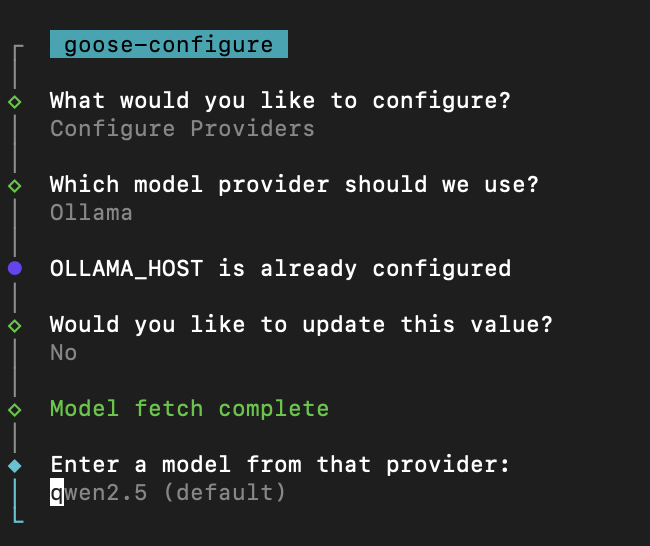
- Enter model name (e.g
qwen3)
Connecting to ollama.com
- Create an API key on ollama.com and save it in your
.env - Run
goose configure - Select Configure Providers and select Ollama
- Update OLLAMA_HOST to
https://ollama.com