

Install
Install marimo. You can usepip or uv for this. You
can also use uv to create a sandboxed environment for marimo by running:
Usage with Ollama
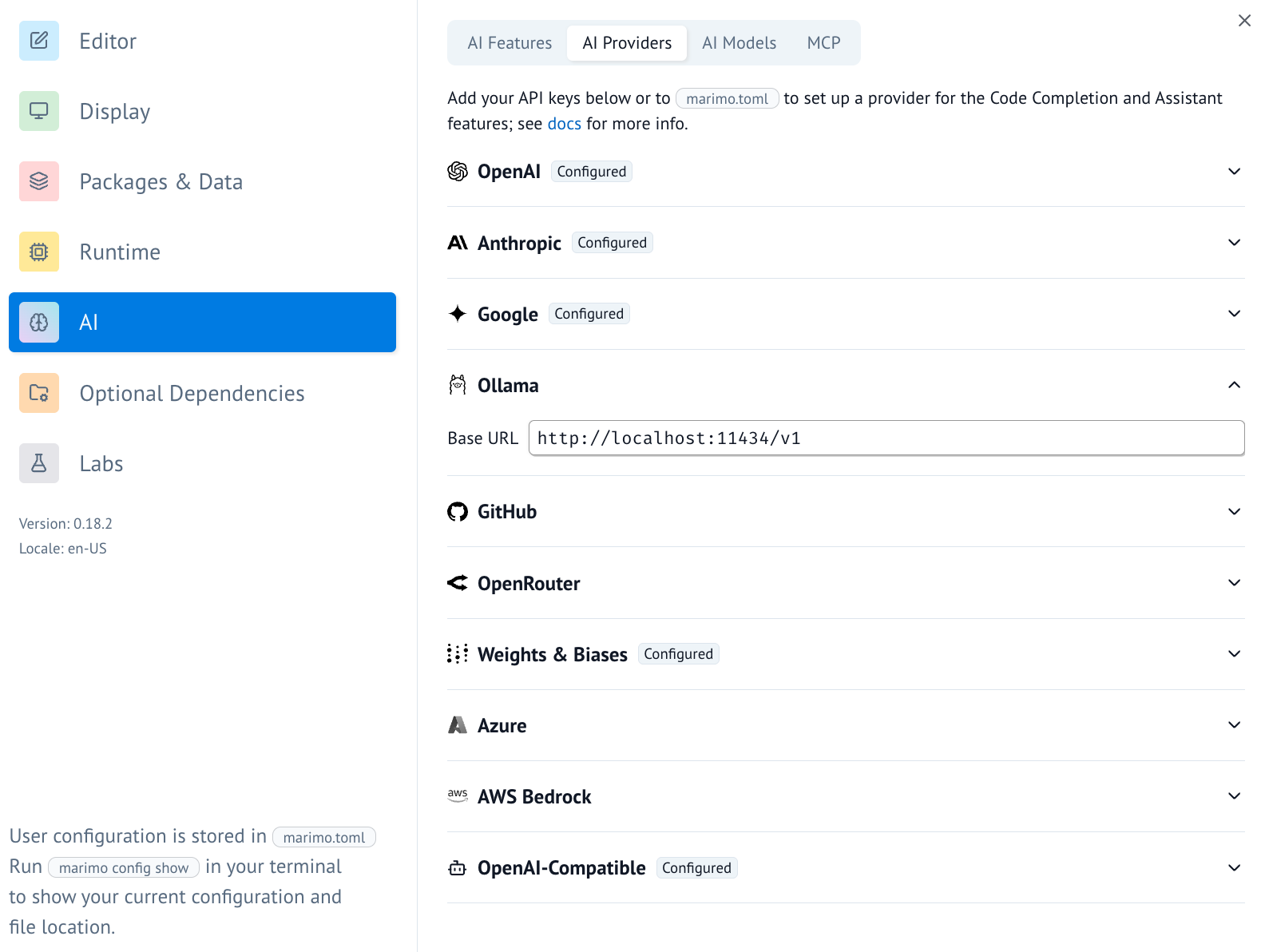
- In marimo, go to the user settings and go to the AI tab. From here
you can find and configure Ollama as an AI provider. For local use you
would typically point the base url to
http://localhost:11434/v1.
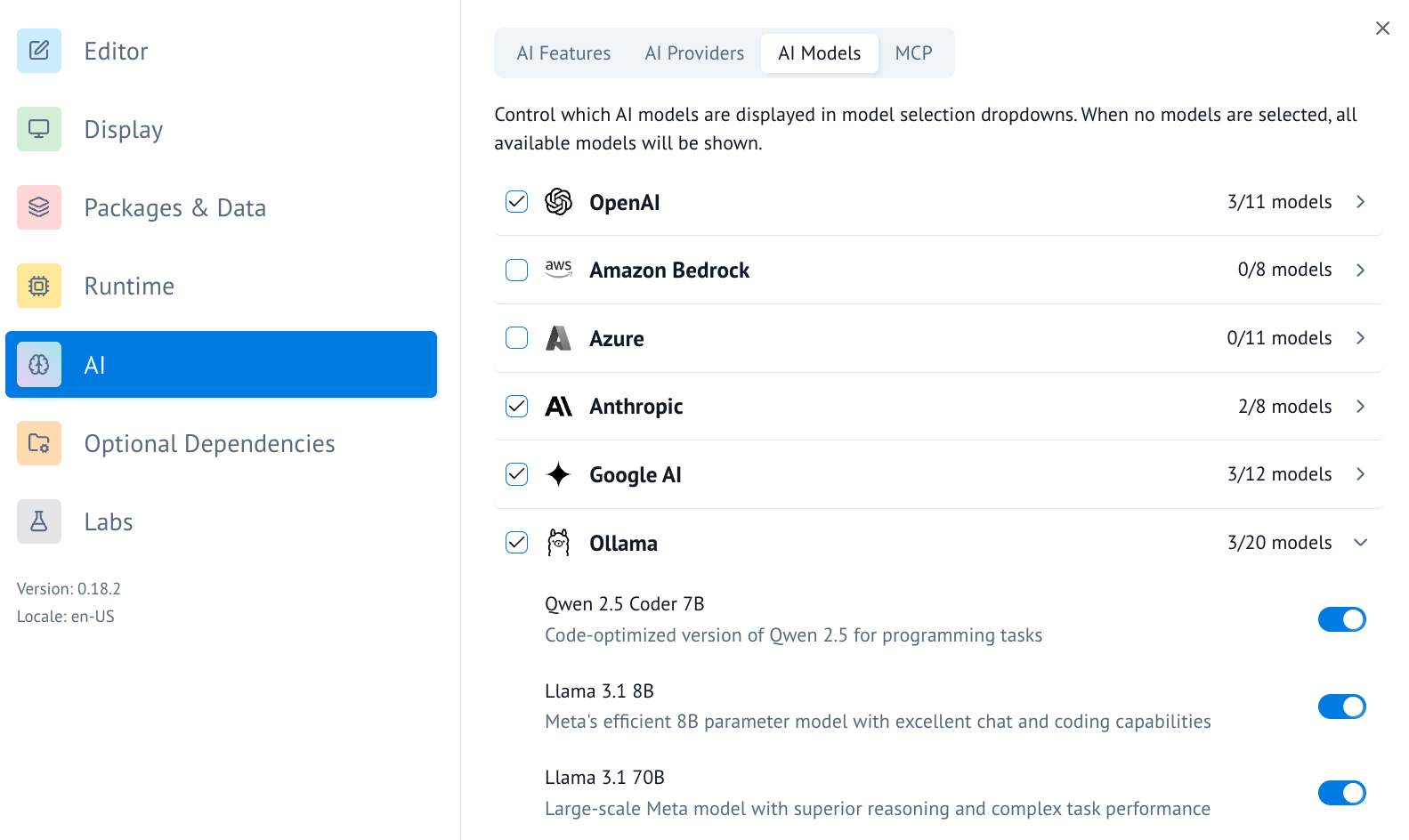
- Once the AI provider is set up, you can turn on/off specific AI models you’d like to access.
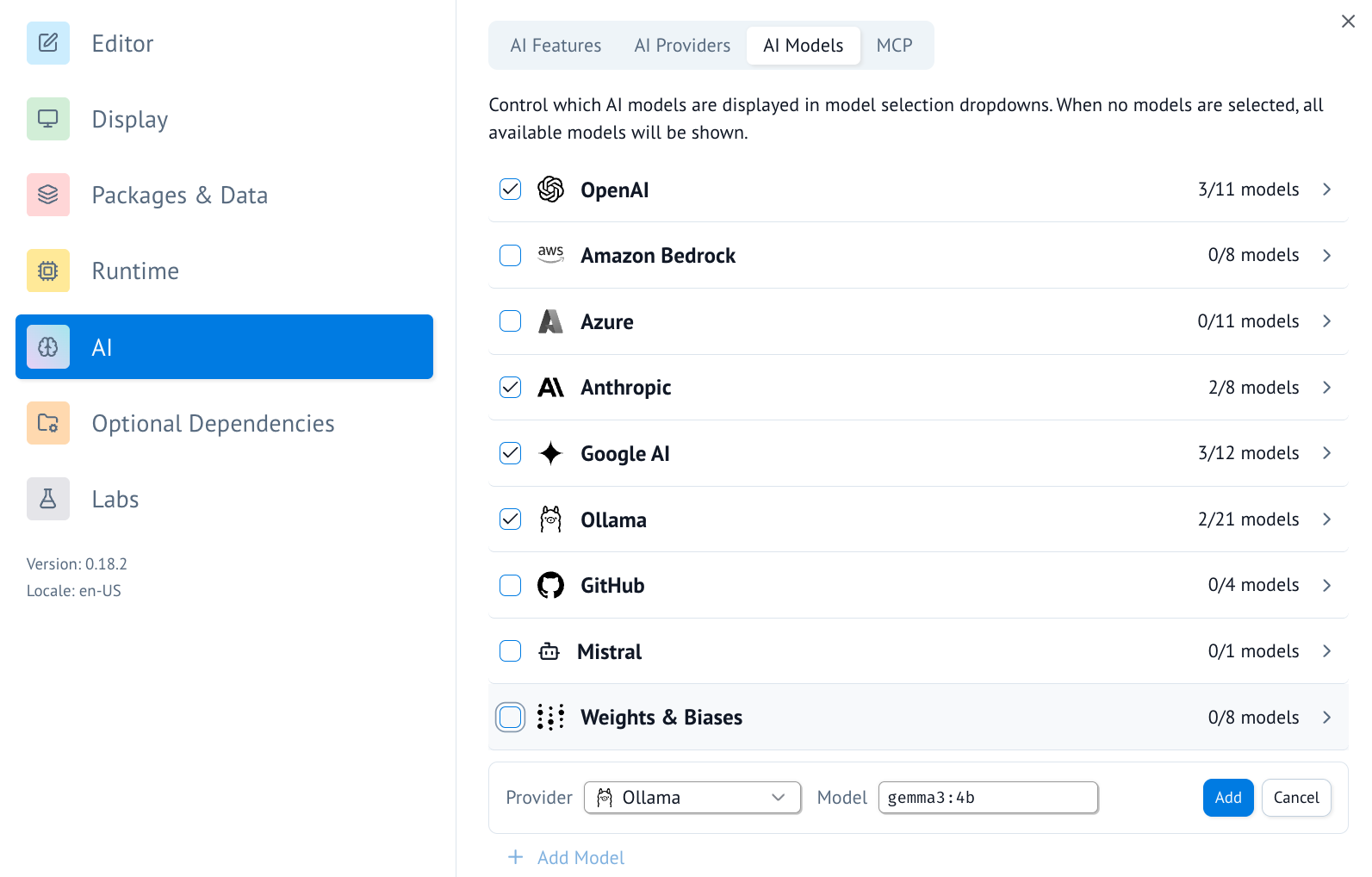
- You can also add a model to the list of available models by scrolling to the bottom and using the UI there.
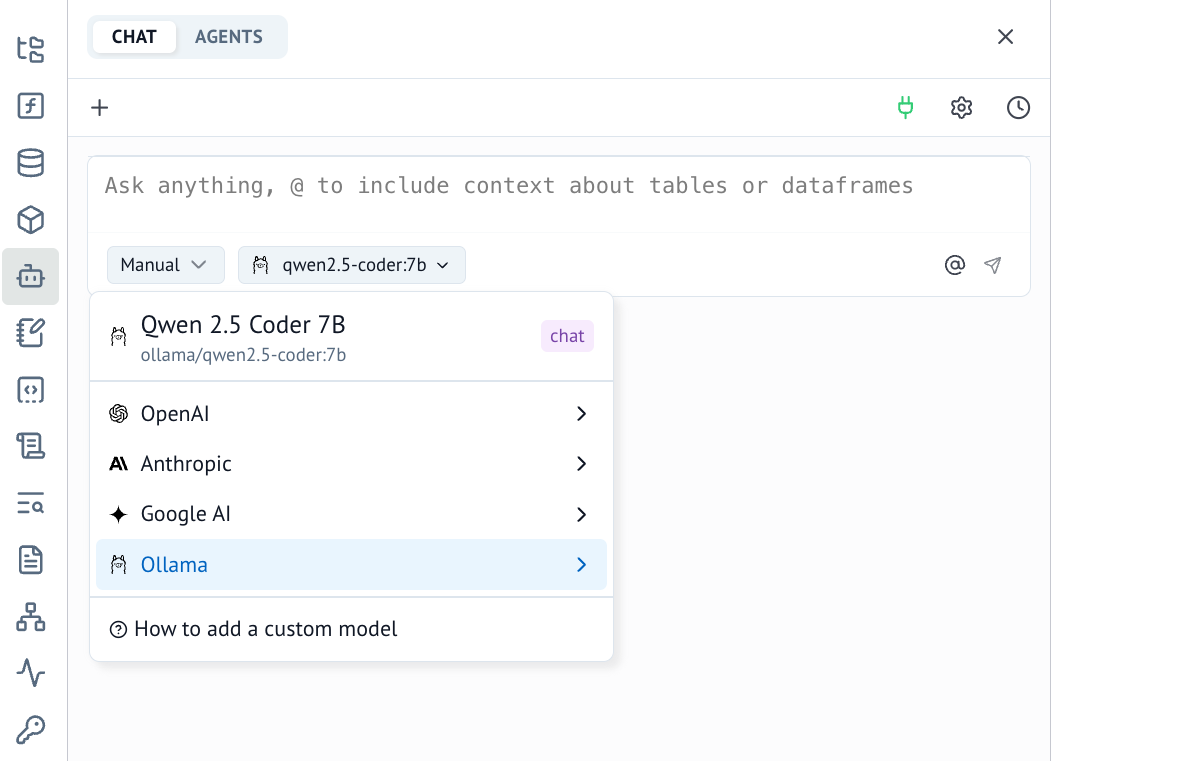
- Once configured, you can now use Ollama for AI chats in marimo.
- Alternatively, you can now use Ollama for inline code completion in marimo. This can be configured in the “AI Features” tab.
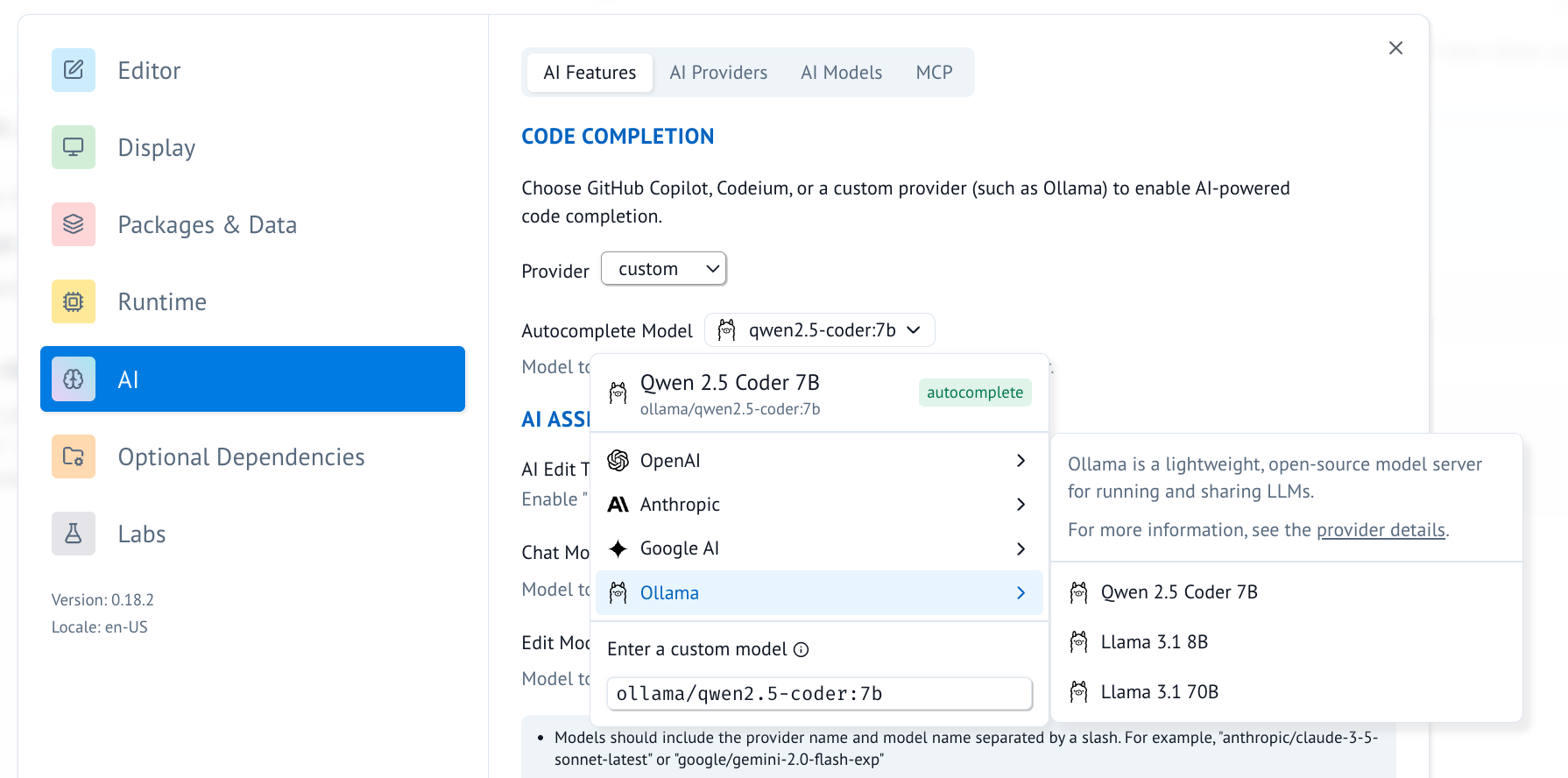
Connecting to ollama.com
- Sign in to Ollama’s cloud with
ollama signin - In the ollama model settings add a model that ollama hosts, like
gpt-oss:120b. - You can now refer to this model in marimo!