
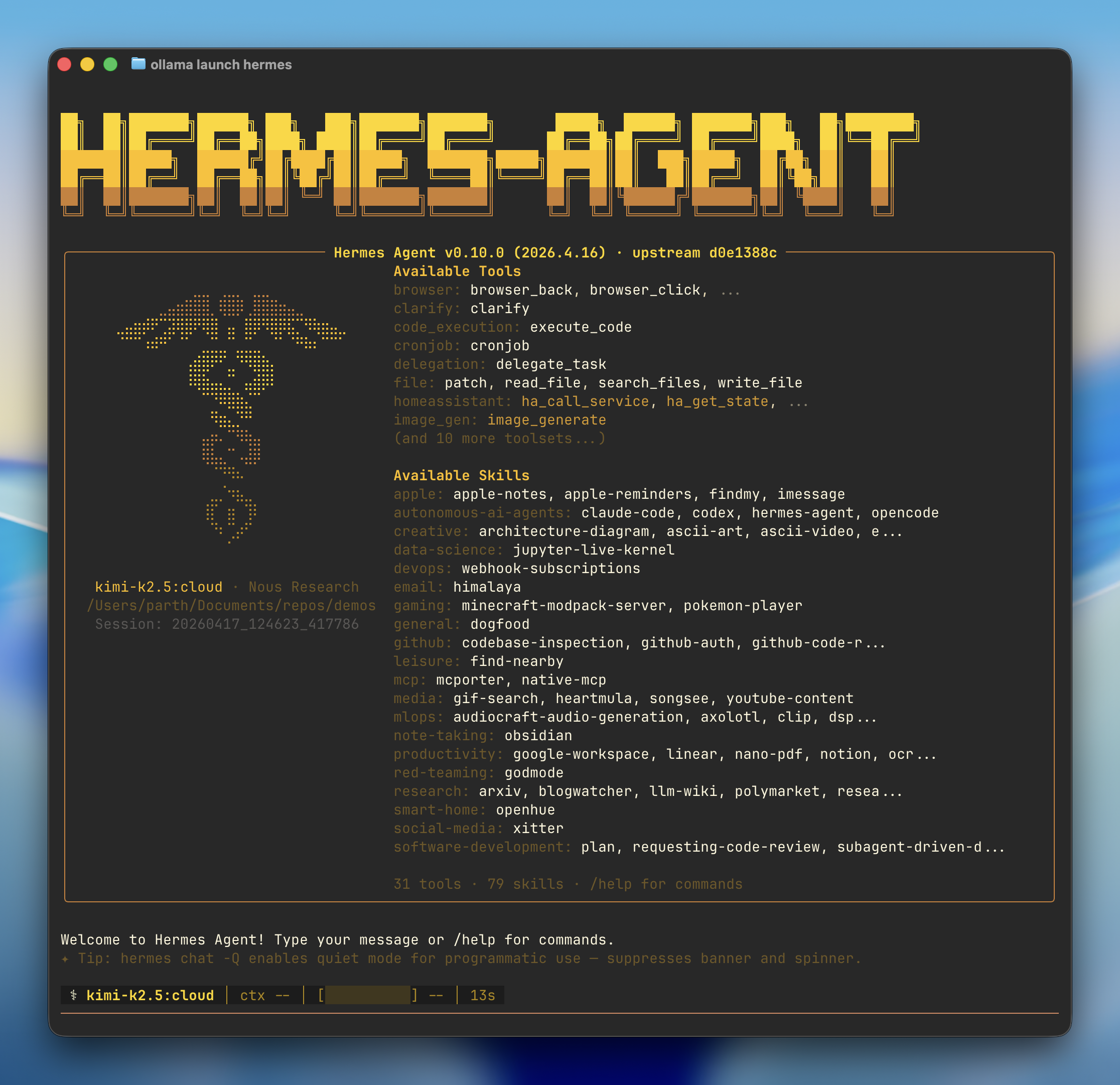
Quick start
- Install — If Hermes isn’t installed, Ollama prompts to install the Hermes command-line agent
- Model — Pick a model from the selector (local or cloud). See currently-supported models here.
- Onboarding — Ollama configures the Ollama provider, points Hermes at
http://127.0.0.1:11434/v1, and sets your model as the primary - Gateway — Optionally connects a messaging platform (Telegram, Discord, Slack, WhatsApp, Signal, Email) and launches the Hermes chat
Connect messaging apps
Link Telegram, Discord, Slack, WhatsApp, Signal, or Email to chat with your models from anywhere:Reconfigure
Use Hermes’s model picker to change providers or models later:Manual setup
If you’d rather drive Hermes’s own wizard instead ofollama launch hermes, install it directly:
Connect to Ollama
- Select More providers…
- Select Custom endpoint (enter URL manually)
-
Set the API base URL to the Ollama OpenAI-compatible endpoint:
-
Leave the API key blank (not required for local Ollama):
-
Hermes auto-detects downloaded models, confirm the one you want:
-
Leave context length blank to auto-detect: