
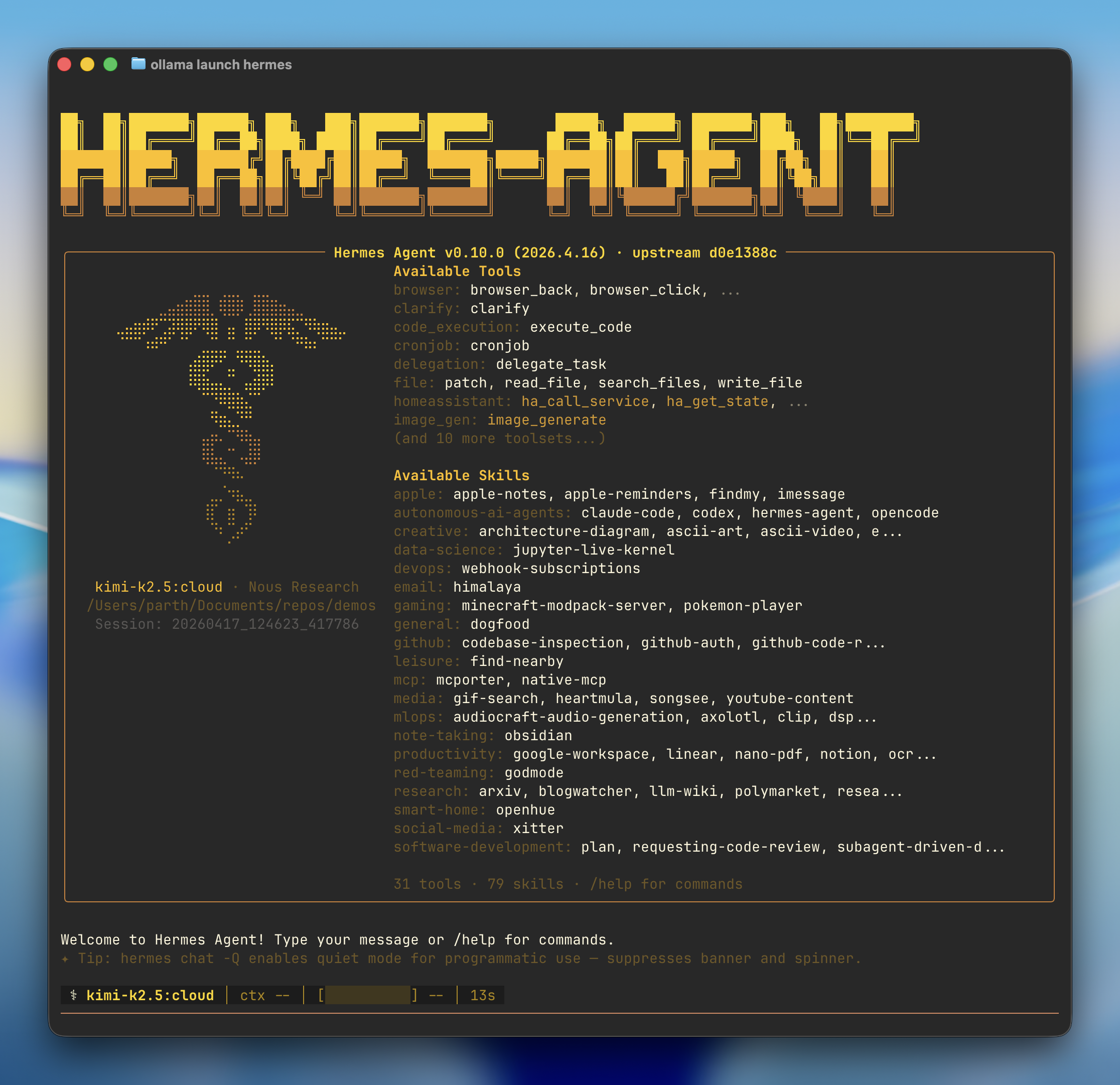
Quick start
- Install — If Hermes isn’t installed, Ollama prompts to install it via the Nous Research install script
- Model — Pick a model from the selector (local or cloud)
- Onboarding — Ollama configures the Ollama provider, points Hermes at
http://127.0.0.1:11434/v1, and sets your model as the primary - Gateway — Optionally connects a messaging platform (Telegram, Discord, Slack, WhatsApp, Signal, Email) and launches the Hermes chat
Recommended models
Cloud models:kimi-k2.5:cloud— Multimodal reasoning with subagentsglm-5.1:cloud— Reasoning and code generationqwen3.5:cloud— Reasoning, coding, and agentic tool use with visionminimax-m2.7:cloud— Fast, efficient coding and real-world productivity
gemma4— Reasoning and code generation locally (~16 GB VRAM)qwen3.6— Reasoning, coding, and visual understanding locally (~24 GB VRAM)
Connect messaging apps
Link Telegram, Discord, Slack, WhatsApp, Signal, or Email to chat with your models from anywhere:Reconfigure
Re-run the full setup wizard at any time:Manual setup
If you’d rather drive Hermes’s own wizard instead ofollama launch hermes, install it directly:
Connect to Ollama
- Select More providers…
- Select Custom endpoint (enter URL manually)
-
Set the API base URL to the Ollama OpenAI-compatible endpoint:
-
Leave the API key blank (not required for local Ollama):
-
Hermes auto-detects downloaded models, confirm the one you want:
-
Leave context length blank to auto-detect: