> ## Documentation Index
> Fetch the complete documentation index at: https://docs.ollama.com/llms.txt
> Use this file to discover all available pages before exploring further.
# Cline CLI
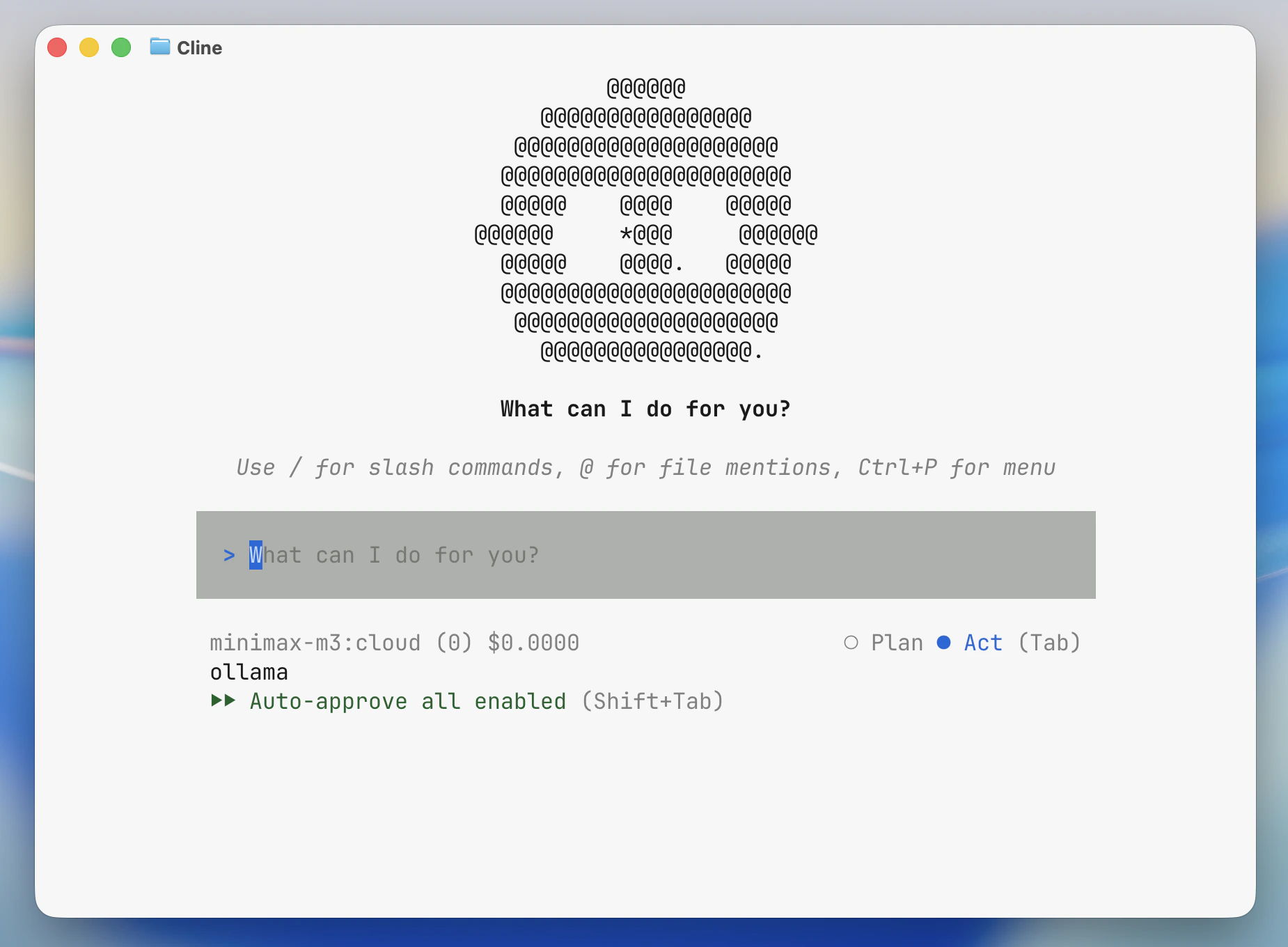
Cline CLI is an autonomous coding agent for interactive terminal sessions.
 ## Install
Install the [Cline CLI](https://docs.cline.bot/usage/cli-overview). For the IDE extension, see [Cline](/integrations/cline).
```bash theme={"system"}
npm install -g cline
```
If Cline CLI is not installed and `npm` is available, `ollama launch cline` will prompt to install `cline@latest`.
## Usage with Ollama
### Quick setup
```bash theme={"system"}
ollama launch cline
```
When launched through `ollama launch cline`, Ollama sets Cline's provider to Ollama, points it at the local Ollama endpoint, and selects the model you choose.
To configure without launching:
```shell theme={"system"}
ollama launch cline --config
```
### Run directly with a model
```shell theme={"system"}
ollama launch cline --model qwen3.5
```
To use a cloud model:
```shell theme={"system"}
ollama launch cline --model kimi-k2.6:cloud
```
### Pass a prompt to Cline
Arguments after `--` are passed directly to Cline:
```shell theme={"system"}
ollama launch cline -- "summarize this repository"
```
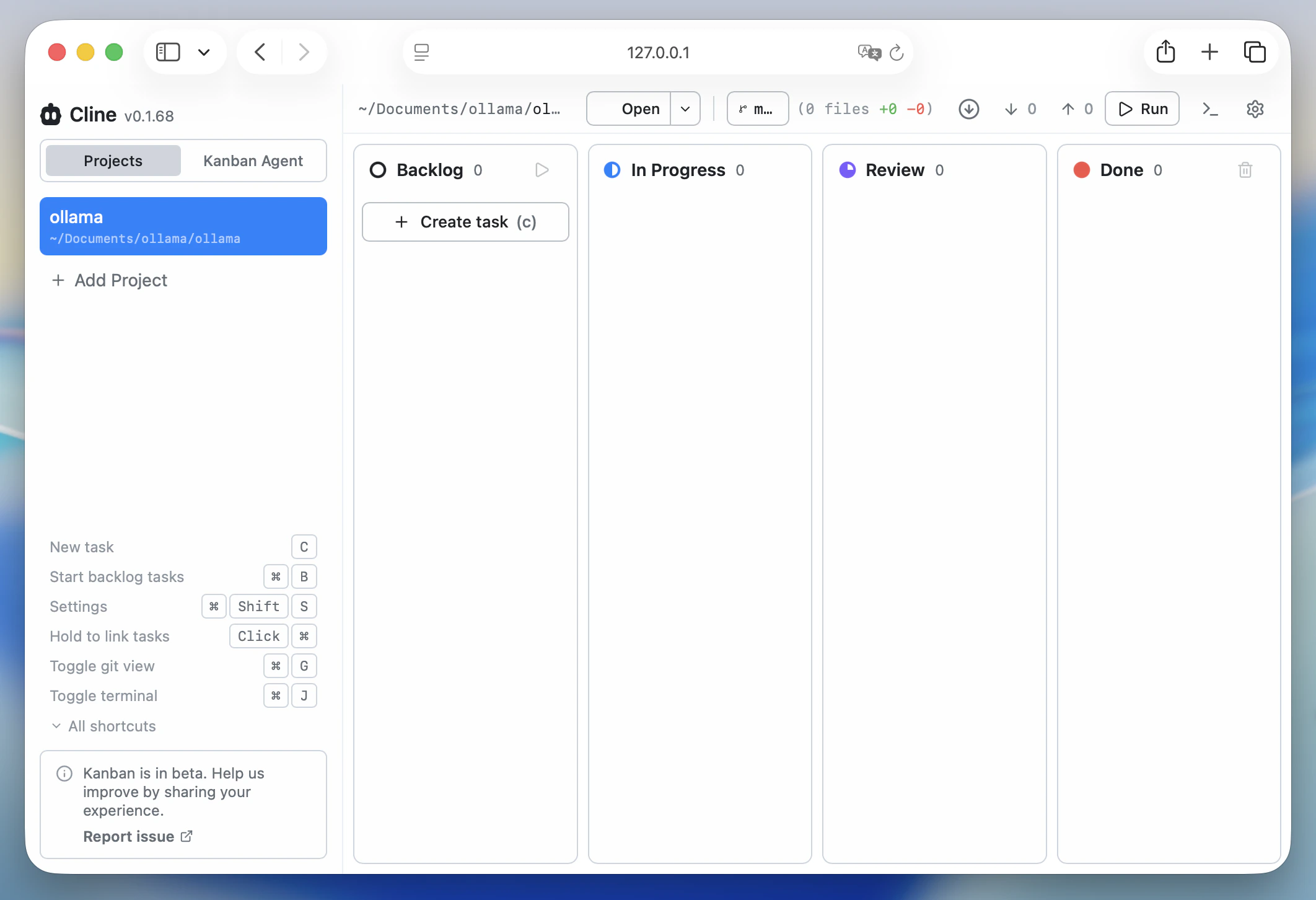
To open Cline's Kanban board:
```shell theme={"system"}
ollama launch cline -- kanban
```
## Install
Install the [Cline CLI](https://docs.cline.bot/usage/cli-overview). For the IDE extension, see [Cline](/integrations/cline).
```bash theme={"system"}
npm install -g cline
```
If Cline CLI is not installed and `npm` is available, `ollama launch cline` will prompt to install `cline@latest`.
## Usage with Ollama
### Quick setup
```bash theme={"system"}
ollama launch cline
```
When launched through `ollama launch cline`, Ollama sets Cline's provider to Ollama, points it at the local Ollama endpoint, and selects the model you choose.
To configure without launching:
```shell theme={"system"}
ollama launch cline --config
```
### Run directly with a model
```shell theme={"system"}
ollama launch cline --model qwen3.5
```
To use a cloud model:
```shell theme={"system"}
ollama launch cline --model kimi-k2.6:cloud
```
### Pass a prompt to Cline
Arguments after `--` are passed directly to Cline:
```shell theme={"system"}
ollama launch cline -- "summarize this repository"
```
To open Cline's Kanban board:
```shell theme={"system"}
ollama launch cline -- kanban
```
 ### Manual setup
To configure Cline CLI manually, first make sure Ollama is running and the model you want to use is available:
```shell theme={"system"}
ollama pull qwen3.5
```
Then run Cline's interactive auth flow:
```shell theme={"system"}
cline auth
```
Select Ollama as the provider, use `http://localhost:11434` as the base URL if prompted, and choose a model such as `qwen3.5` or `kimi-k2.6:cloud`.
To check the current Cline configuration:
```shell theme={"system"}
cline config
```
To start an interactive session:
```shell theme={"system"}
cline
```
### Manual setup
To configure Cline CLI manually, first make sure Ollama is running and the model you want to use is available:
```shell theme={"system"}
ollama pull qwen3.5
```
Then run Cline's interactive auth flow:
```shell theme={"system"}
cline auth
```
Select Ollama as the provider, use `http://localhost:11434` as the base URL if prompted, and choose a model such as `qwen3.5` or `kimi-k2.6:cloud`.
To check the current Cline configuration:
```shell theme={"system"}
cline config
```
To start an interactive session:
```shell theme={"system"}
cline
```